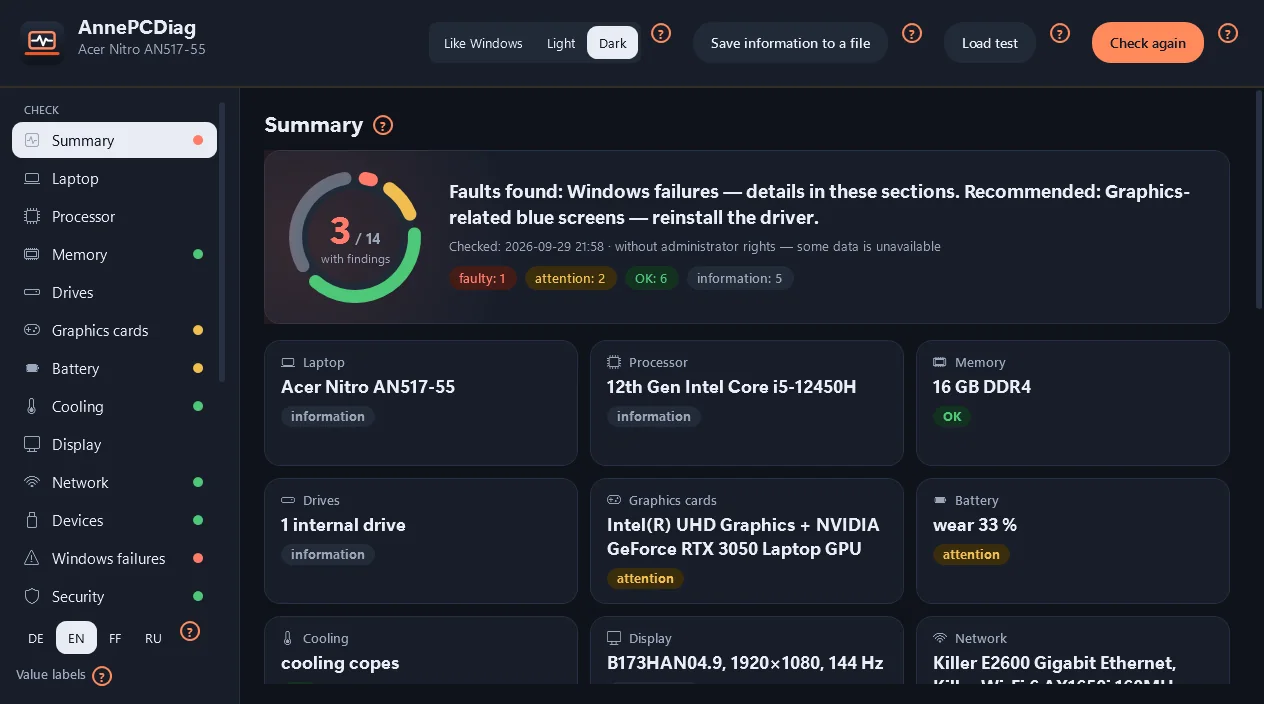
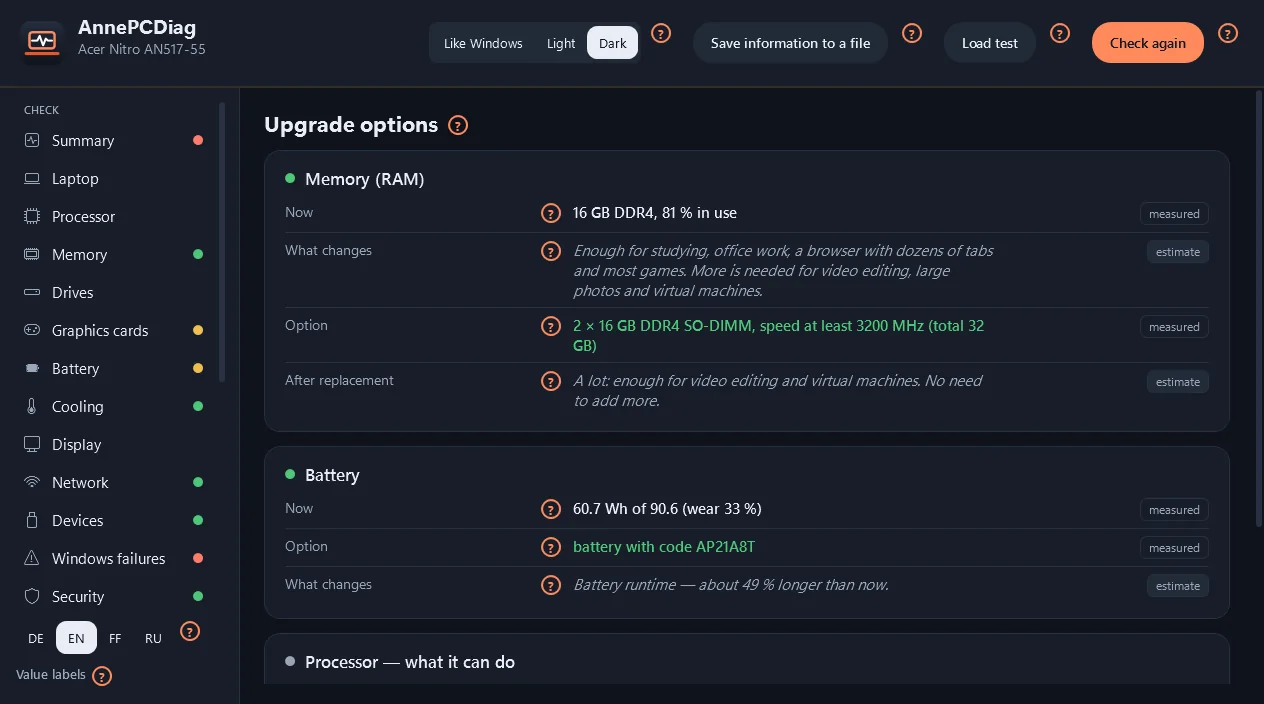
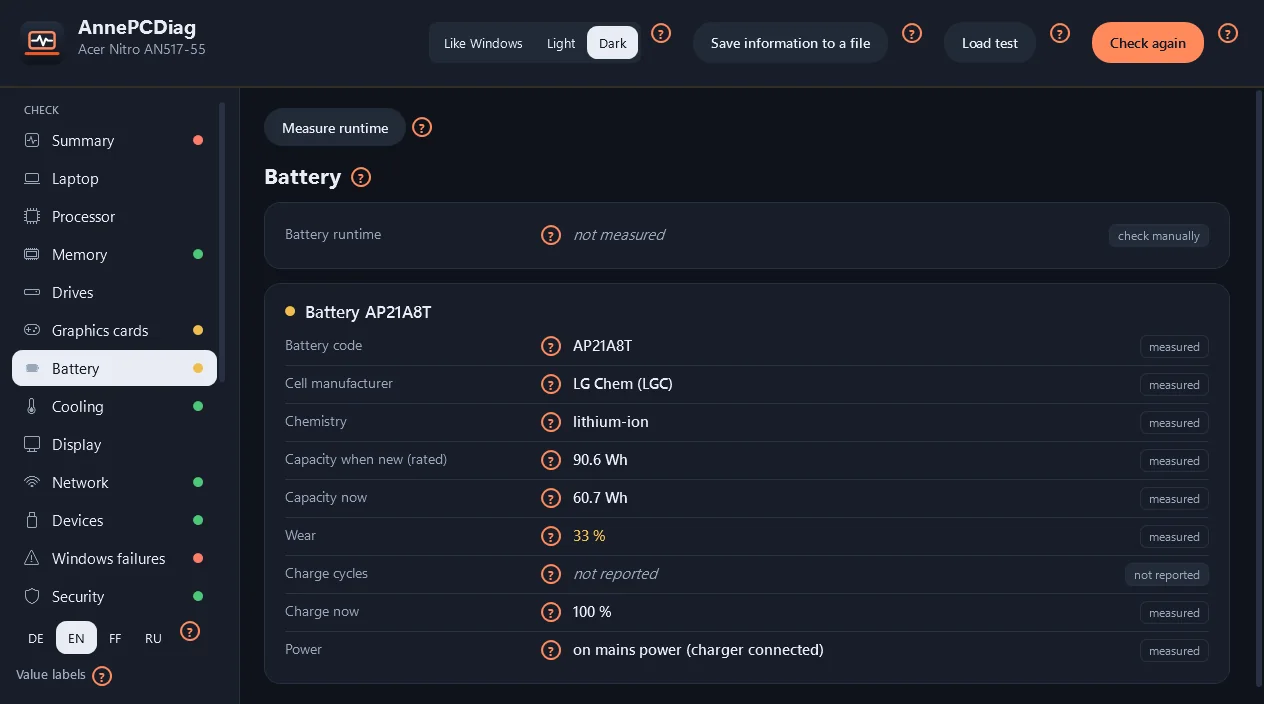
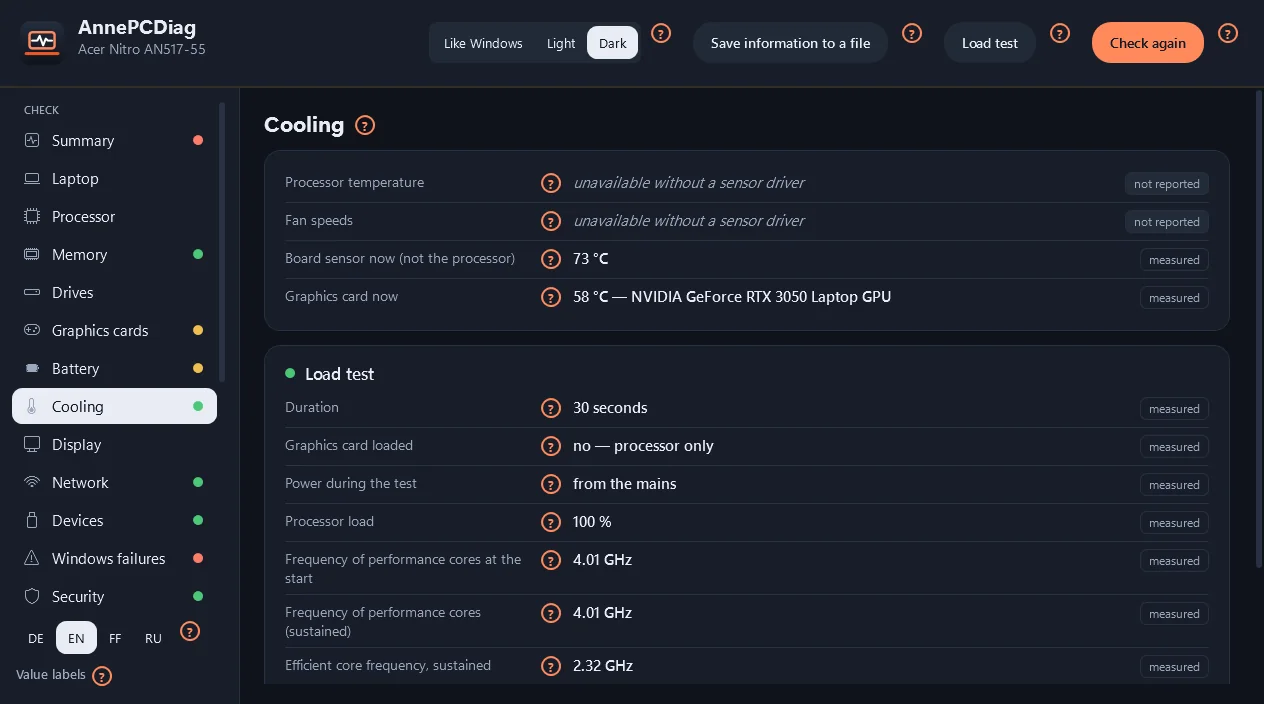
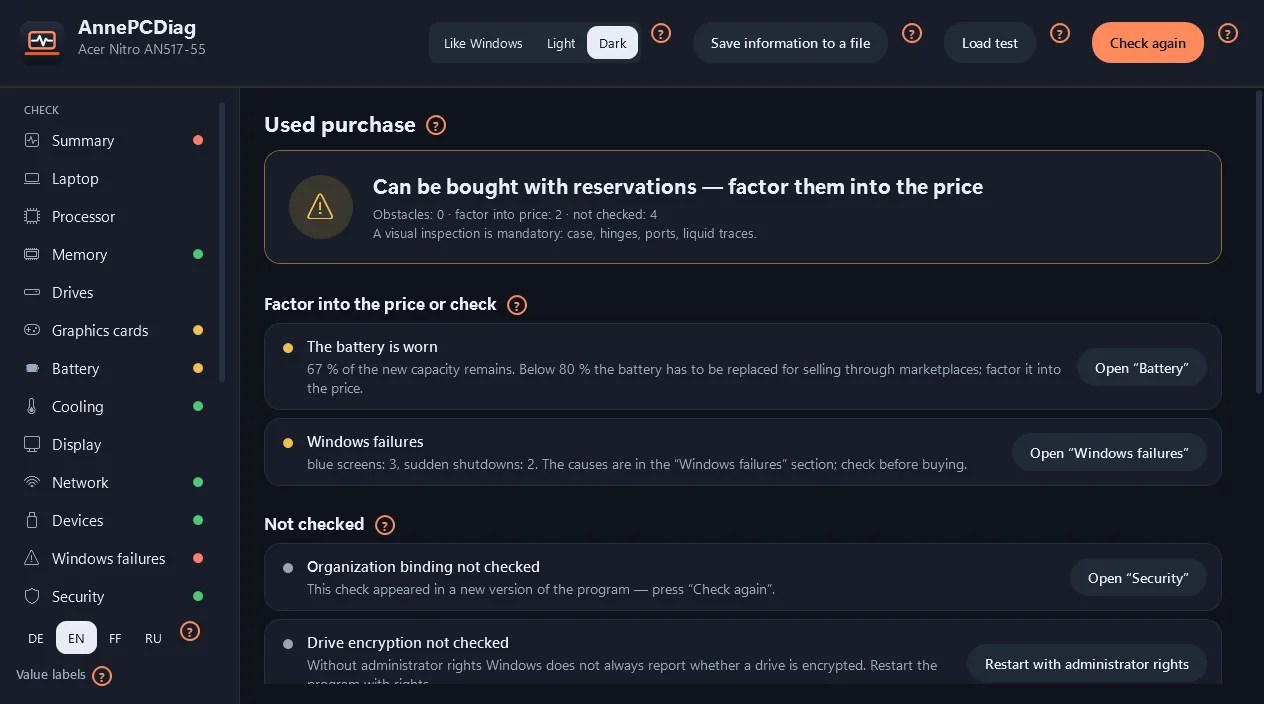
Start from a USB stick, no installation. AnnePCDiag checks battery, drives, memory, cooling and Windows errors, explains every value and recommends only what actually fits this device.
Windows 10 and 11 · no installation: unzip and start AnnePCDiag.exe. 0.15.0 · 59 MB
If Windows warns about an unknown publisher: “More info” → “Run anyway”.

Windows often reports zeros, placeholders or wrong numbers. AnnePCDiag never shows these as measurements — it says openly what it knows and what it doesn't.
Read directly from the device or cross-checked with a second source.
From the reference data with source and date — Intel, AMD or Microsoft.
The program says so honestly and explains how to check by hand.


Personal files, passwords and browser history are never opened.
The BitLocker recovery key is never read — only whether encryption is on.
Data goes to the server only with your consent — serial numbers only as a hash.
Server in Nuremberg, Germany. No ads, no tracking, no third-party fonts.
Power supply instead of battery, graphics card in a PCIe slot, monitor on the wrong graphics, Windows 11 readiness of the processor — AnnePCDiag recognises the form factor and adapts checks and advice.
No. One file on a USB stick. Start, check, done.
No. Internet is used only for updates and — if you agree — for sending checks.
The check only reads. A load test starts only at the push of a button, shows progress and can be stopped at any time.
Without them Windows withholds part of the information. The program still runs and marks such lines.
The program checks computers right away. For questions or a technician license, write to us.
Questions about using the program, errors, ideas for new features.
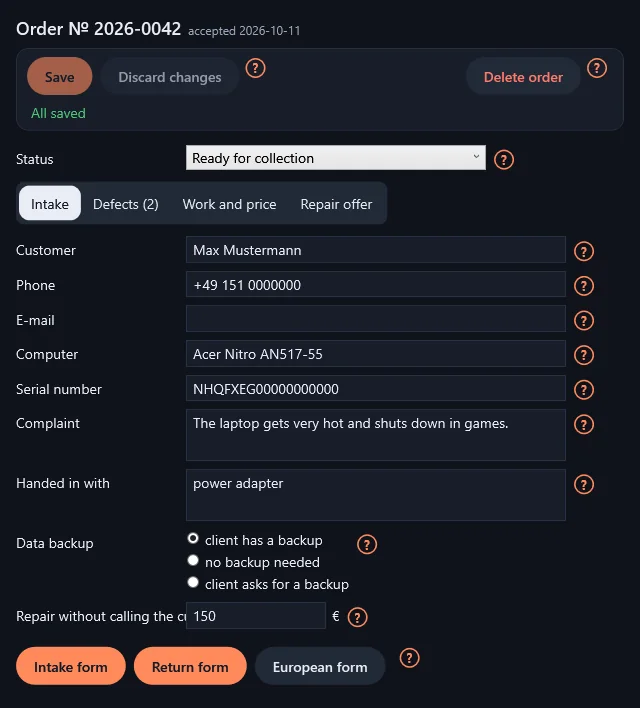
Without a license the program checks any computer. For workshop features — orders, forms, branded reports, resale passport — write to us.
Download for Windows 0.15.0 · 59 MB