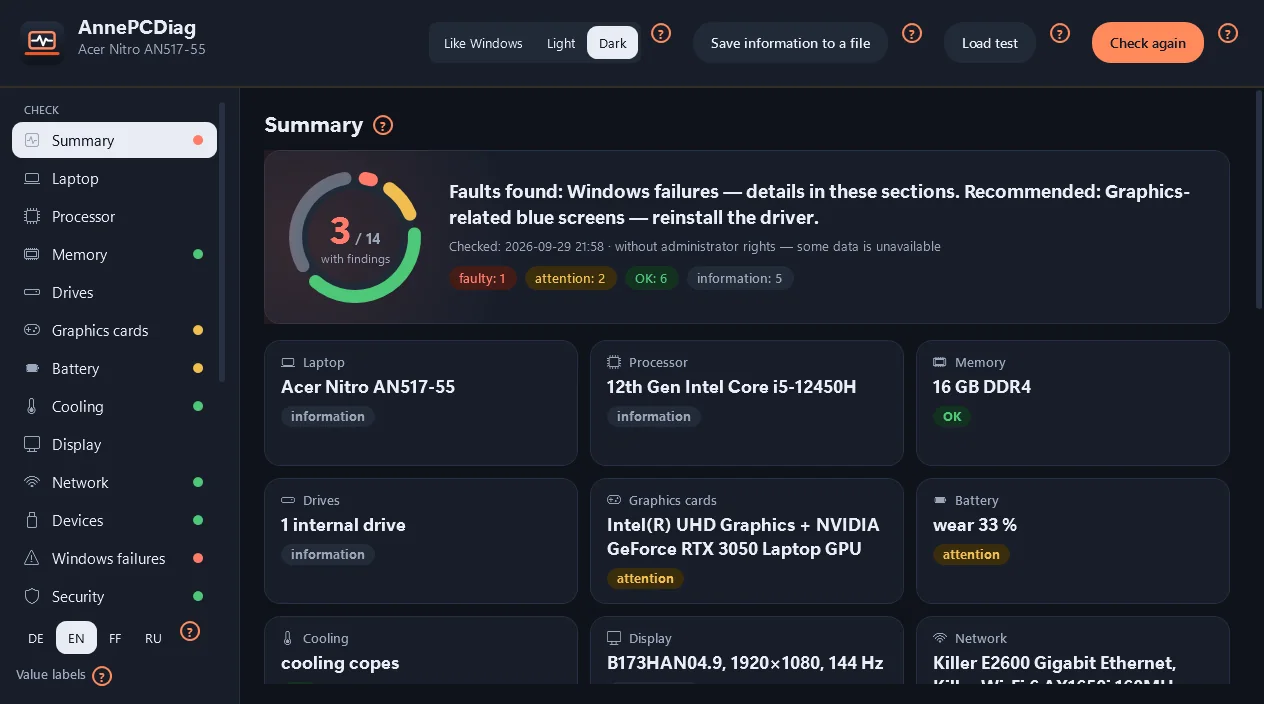
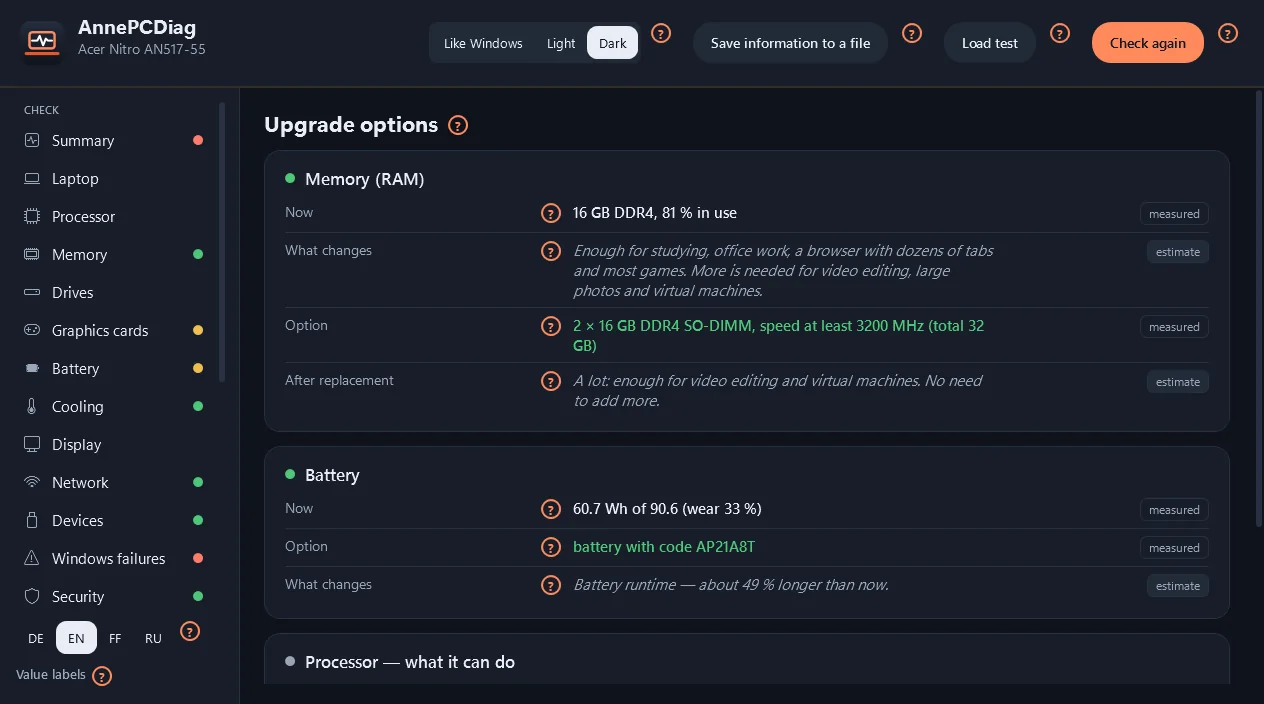
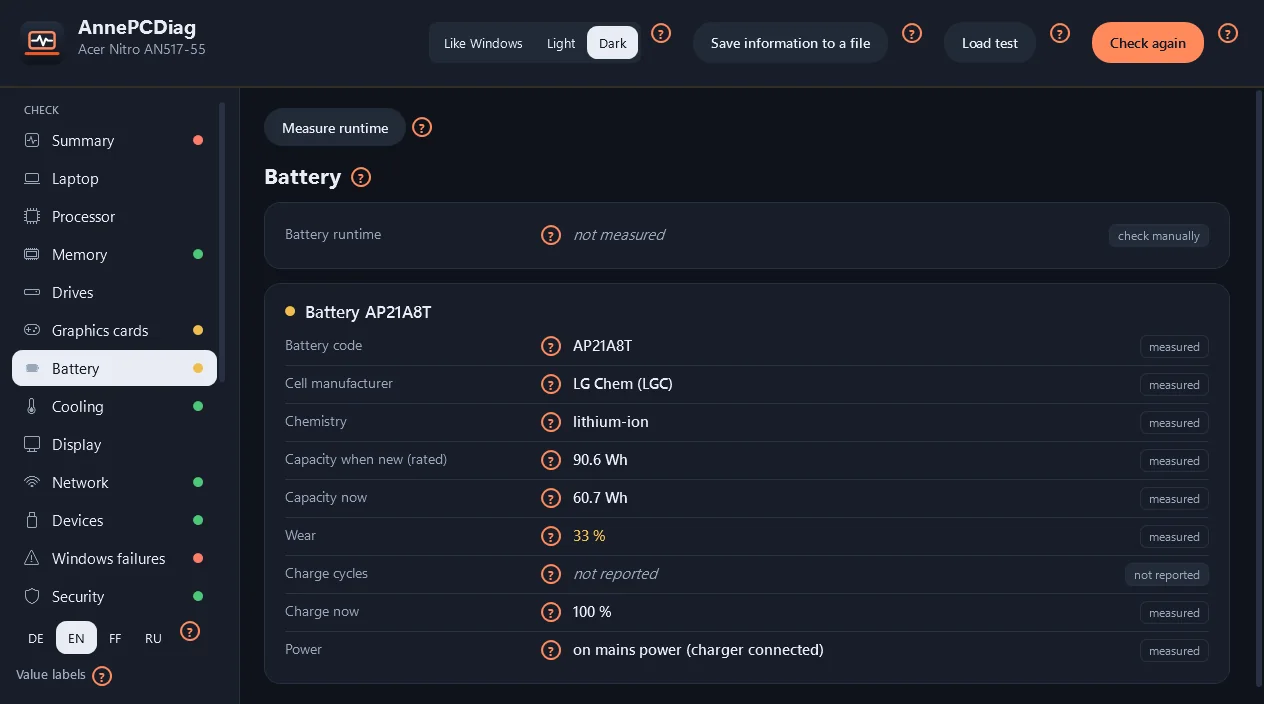
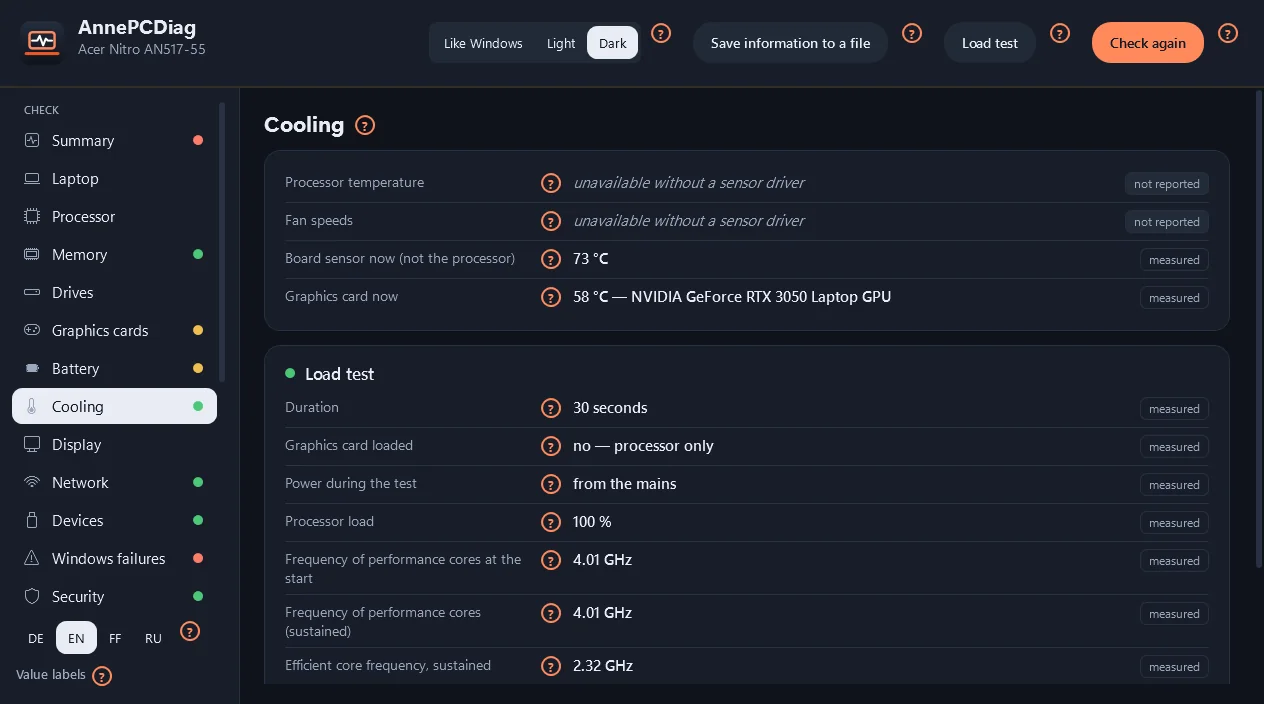
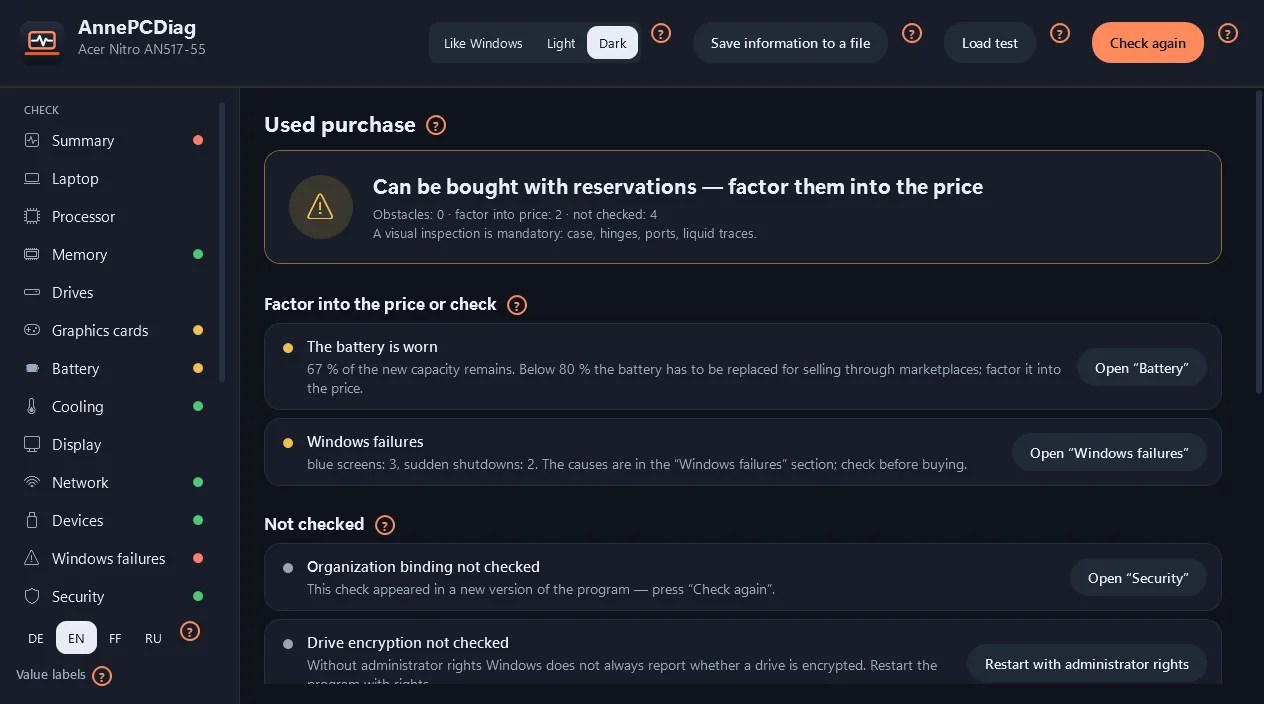
Fuɗɗo e flash, alaa aafgol. AnnePCDiag ina ƴeewa baatri, disk, memwaar, buuɓnugol e juumre Windows, ina firta hiisa kala, ina wasiya ko haani kaɓirgal ngal tan.
Windows 10 e 11 · alaa aafgol: udditu, fuɗɗo AnnePCDiag.exe. 0.15.0 · 59 MB
So Windows reentinii e gollotooɗo mo anndaaka: “Humpito goɗɗe” → “Fuɗɗo tawa”.

Windows often reports zeros, placeholders or wrong numbers. AnnePCDiag never shows these as measurements — it says openly what it knows and what it doesn't.
Read directly from the device or cross-checked with a second source.
From the reference data with source and date — Intel, AMD or Microsoft.
The program says so honestly and explains how to check by hand.


Personal files, passwords and browser history are never opened.
The BitLocker recovery key is never read — only whether encryption is on.
Data goes to the server only with your consent — serial numbers only as a hash.
Server in Nuremberg, Germany. No ads, no tracking, no third-party fonts.
Power supply instead of battery, graphics card in a PCIe slot, monitor on the wrong graphics, Windows 11 readiness of the processor — AnnePCDiag recognises the form factor and adapts checks and advice.
No. One file on a USB stick. Start, check, done.
No. Internet is used only for updates and — if you agree — for sending checks.
The check only reads. A load test starts only at the push of a button, shows progress and can be stopped at any time.
Without them Windows withholds part of the information. The program still runs and marks such lines.
Porogaraam ina ƴeewa ordinateer ɗoon e ɗoon. Ngam naamne walla lisaas teknisiyeŋ, winndu min.
Tawa lisaas alaa, porogaraam ina ƴeewa ordinateer kala. Ngam kuuɗe gollirde — winndu min.
Aawto ngam Windows 0.15.0 · 59 MB